A lifecycle marketing framework for sustainable growth
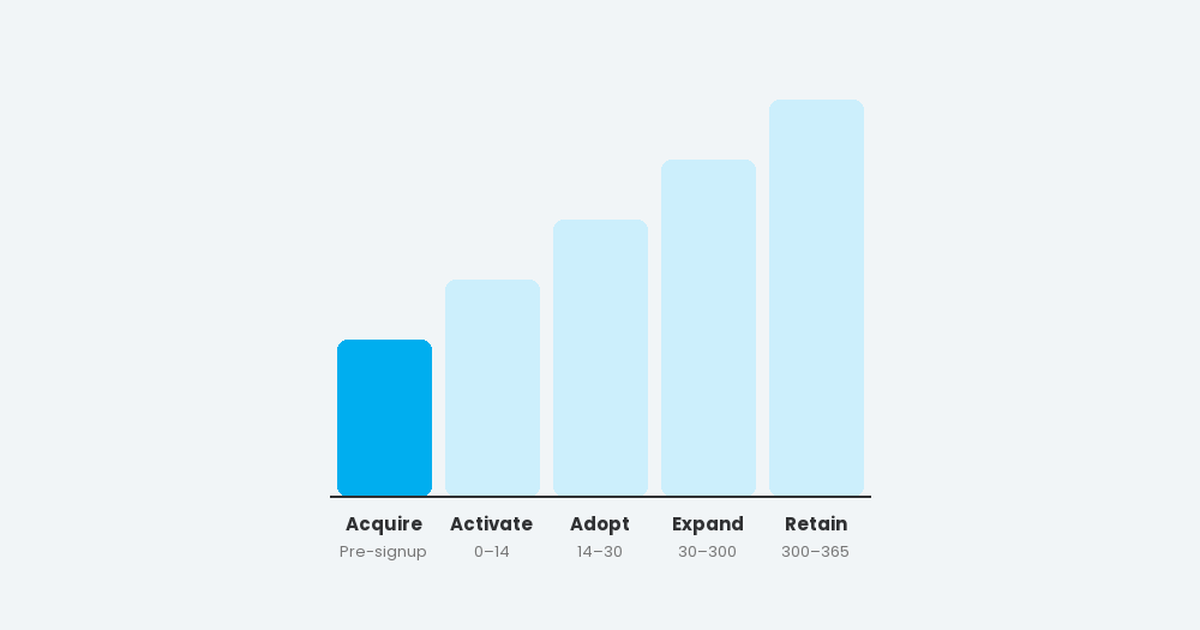
A five-stage lifecycle marketing framework for B2B and B2C: Acquire, Activate, Adopt, Expand and Retain, with goals, time windows and example programmes.
Read article →
Resources
Practical guides on lifecycle strategy, customer journeys, measurement and email production, written from real client work across B2B, B2C and ecommerce.
A five-stage lifecycle marketing framework for B2B and B2C: Acquire, Activate, Adopt, Expand and Retain, with goals, time windows and example programmes.
Read article →The six most common lifecycle leakage points in B2B and B2C, from undefined funnels to single-product customers, with the friction, cost and fix for each.
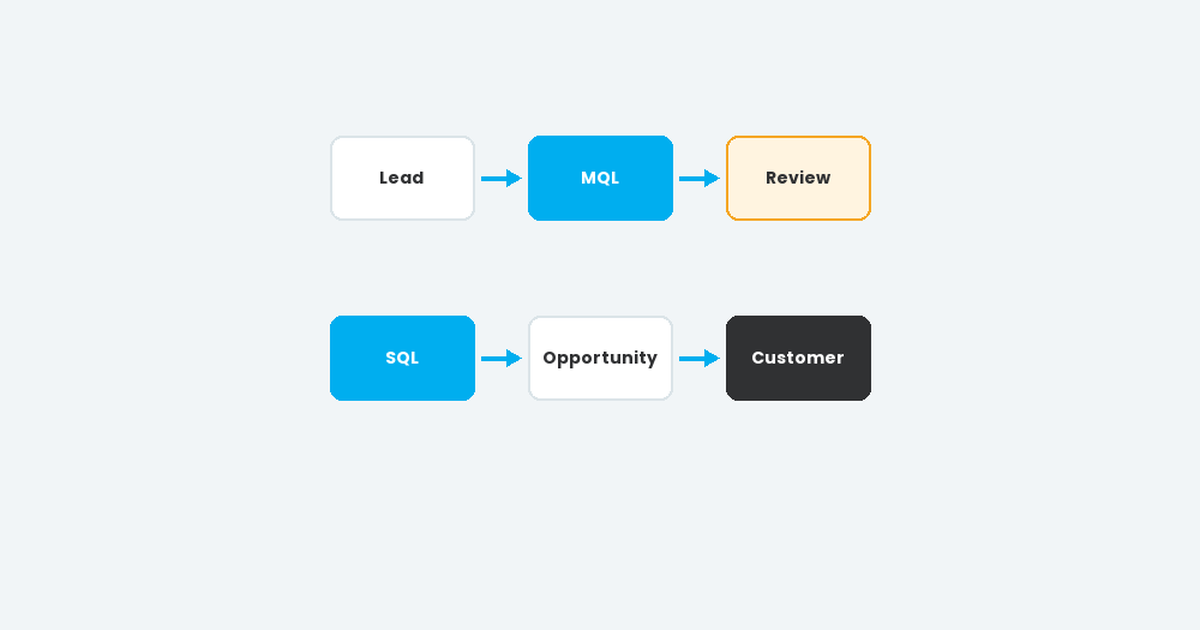
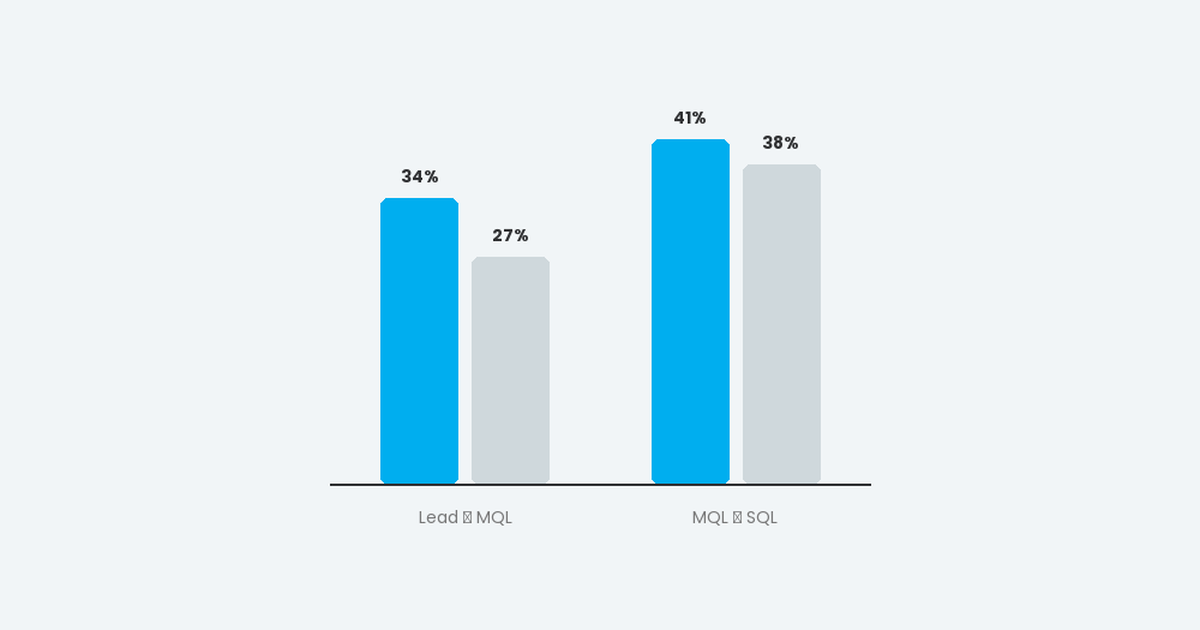
Read article →Clear definitions for Lead, MQL, SQL, Opportunity and Customer, plus a marketing-to-sales handoff process with SLAs, rejection reasons and a shared dashboard.
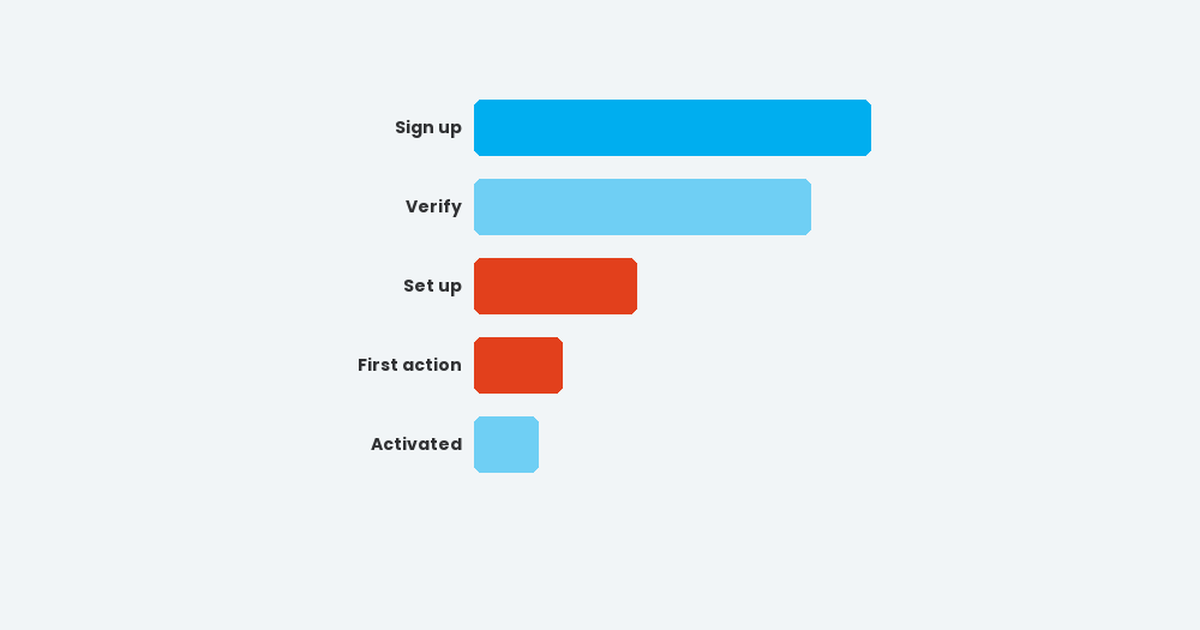
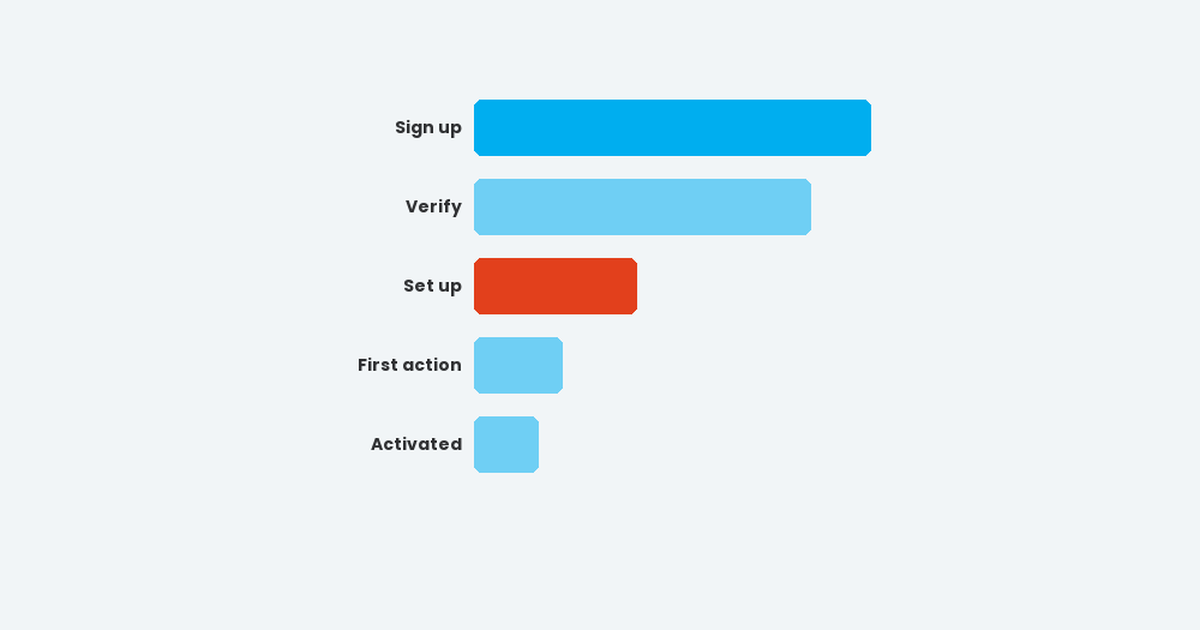
Read article →Find your activation drop-offs, combine proactive and reactive messaging across email, push and in-app, and test your way to faster time to first value.
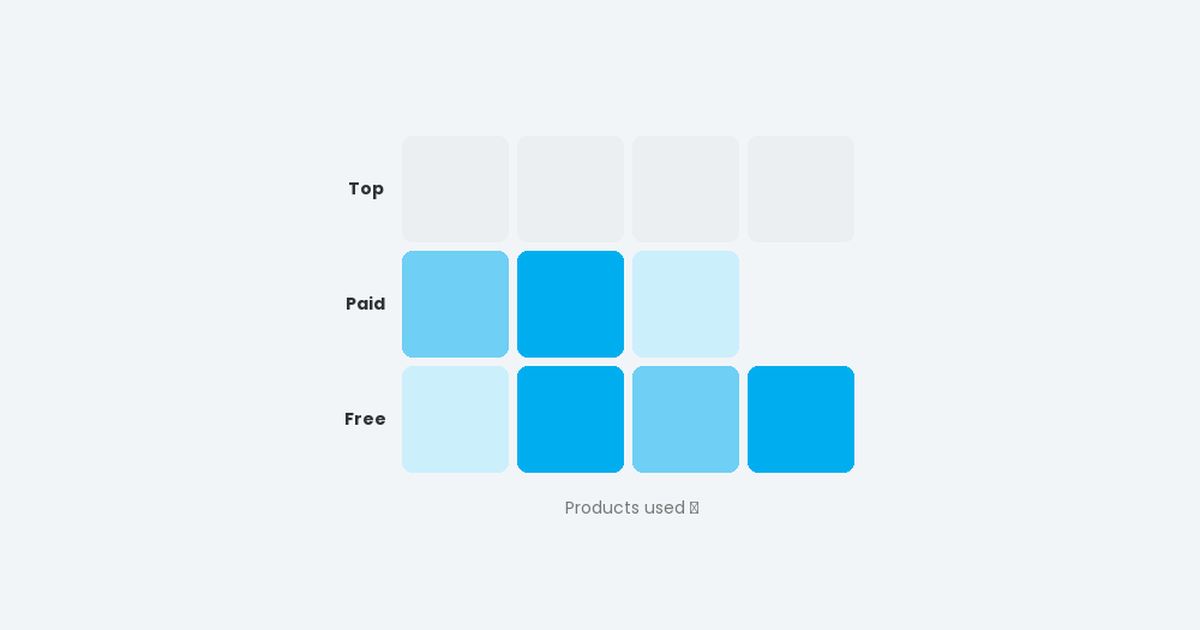
Read article →How to plan and prioritise upsell and cross-sell lifecycle programmes, using lifecycle milestones, overlapping segments and a simple plan-by-product grid.
Read article →A phased six-month plan for launching lifecycle marketing across data, B2B and B2C, from audit and stage definitions to scoring, nurture, upgrades and dashboards.
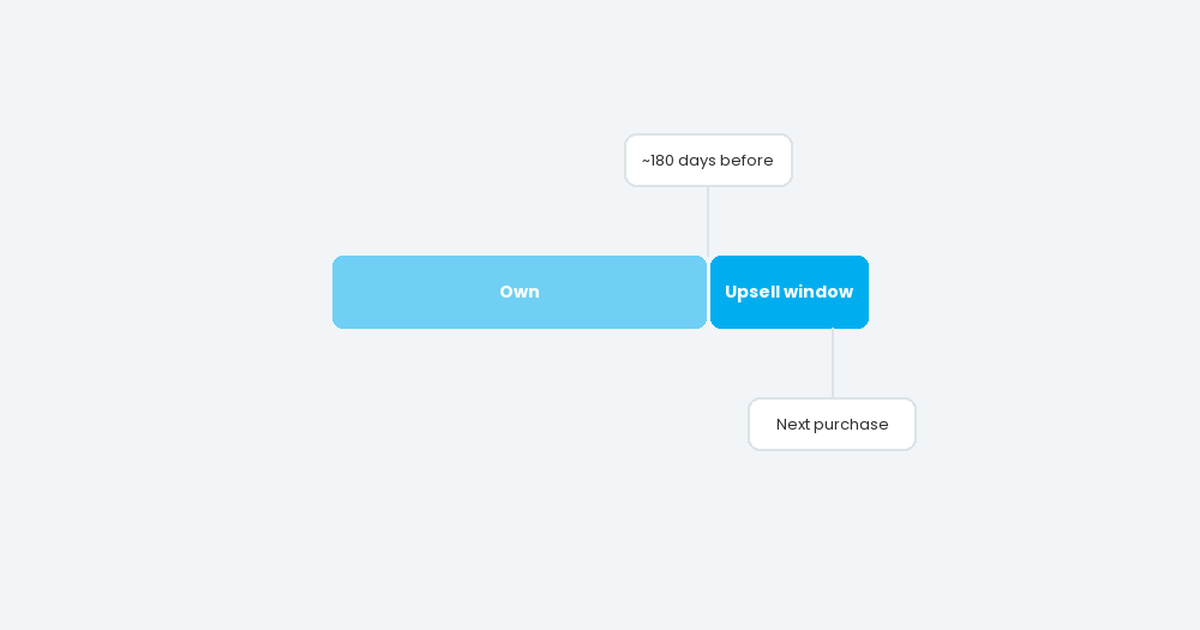
Read article →Plan ecommerce lifecycle marketing around your product's replacement cycle: three pillars, a 1,000-day lifecycle and three stages from onboarding to the next purchase.
Read article →The automated flows every ecommerce brand needs: welcome, product onboarding, community, abandonment, browse-no-buy, feedback, newsletter and anniversaries.
Read article →Win the next purchase with predictive upsell flows timed to the replacement cycle, pre-launch product discovery, loyalty programmes and trade-in offers.
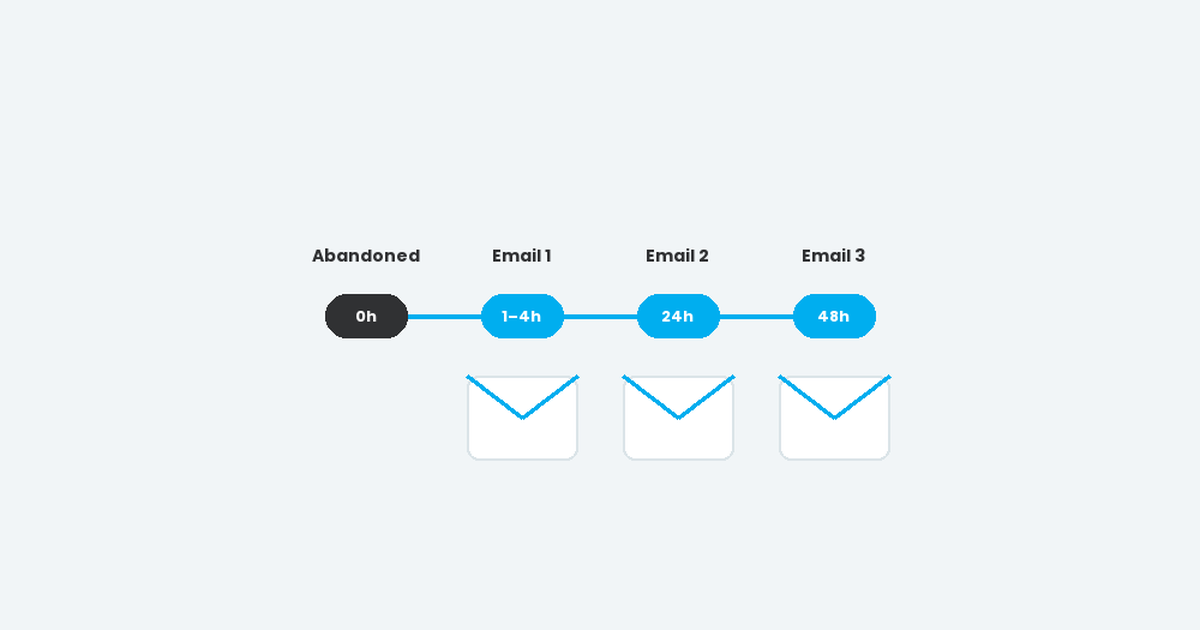
Read article →How to build cart and browse abandonment email flows: a three-email structure, what to include, careful use of discounts, essential exclusions and measurement.
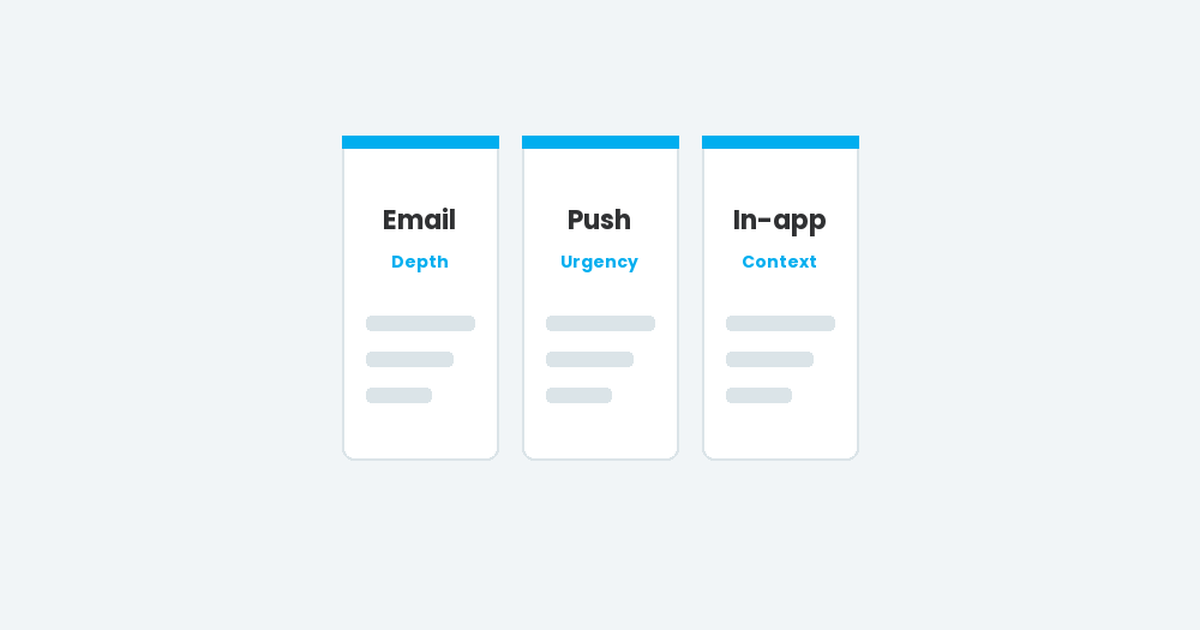
Read article →What email, push notifications and in-app messages are each best at, how to choose the right channel for every lifecycle message, and how to orchestrate them.
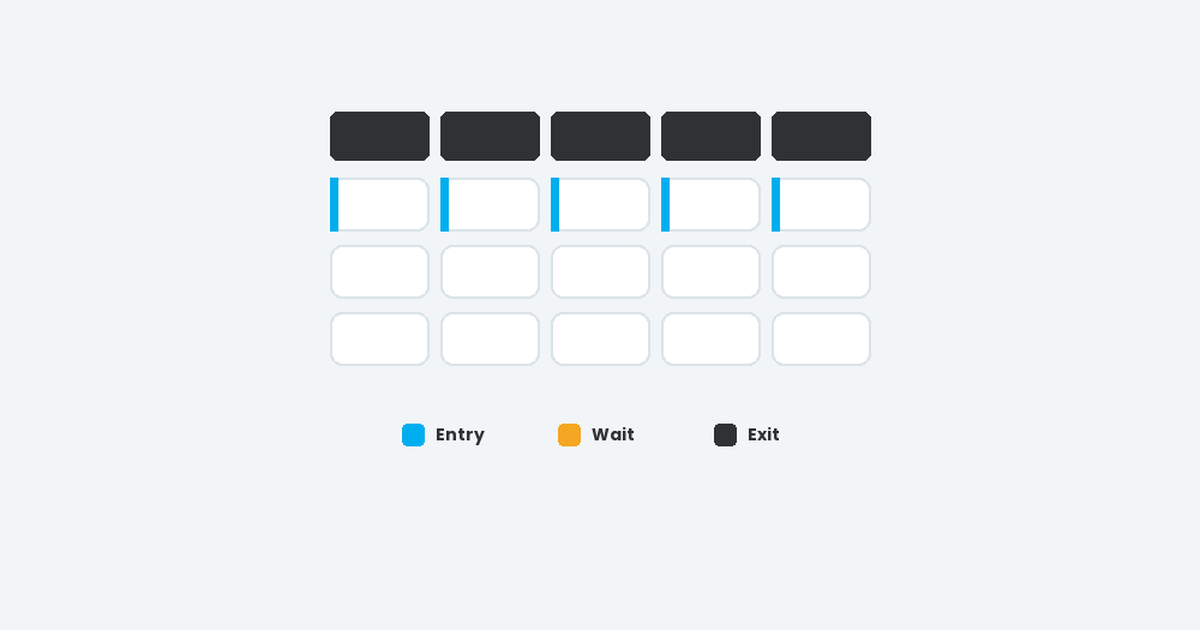
Read article →How to design a behavioural event framework: events by lifecycle stage, entry, wait and exit triggers, event specifications and event-driven segmentation.
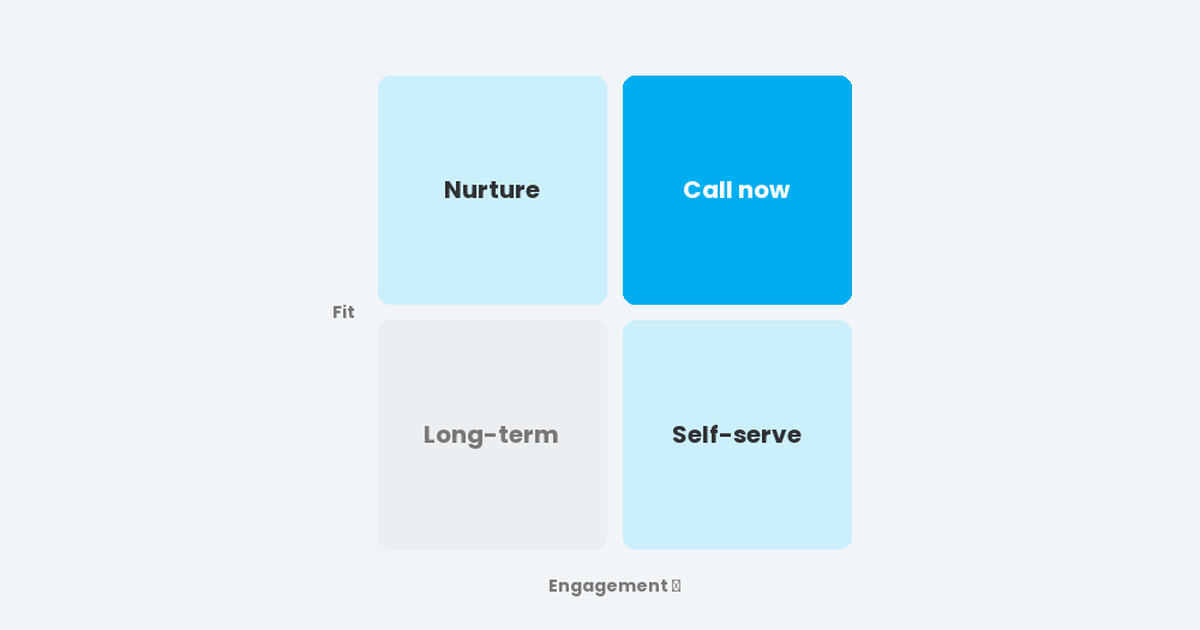
Read article →How to build a lead scoring model sales actually trusts: separate fit and engagement scores, product-usage scoring for trials, example point values and recalibration.
Read article →Measure what lifecycle marketing really adds with global and programme holdout groups: sizing, worked examples, A/B testing with holdouts, metrics and dashboards.
Read article →What interactive email can do, how HTML/CSS and AMP for Email differ, which email clients support them, and how to design fallbacks so nobody misses out.
Read article →Nine email design best practices for designers: grids, live text, simple buttons, @2x assets, GIFs and interactivity, for emails that look great and build fast.
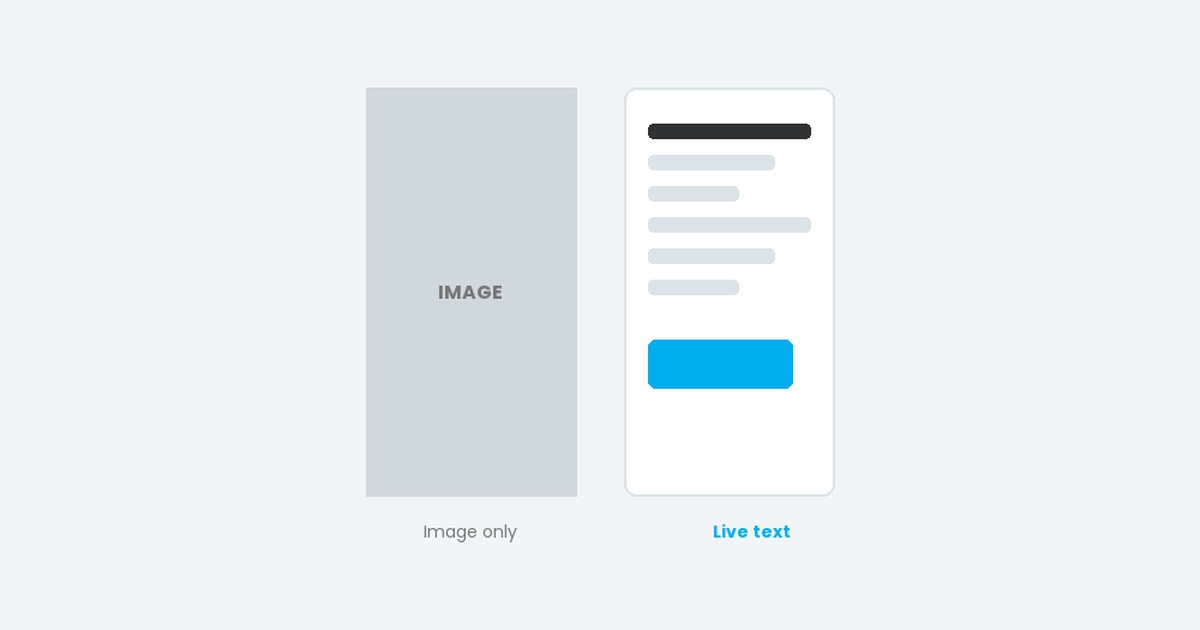
Read article →Why live text beats image-heavy email design: better accessibility, deliverability, visibility and brand consistency, with practical tips for each.
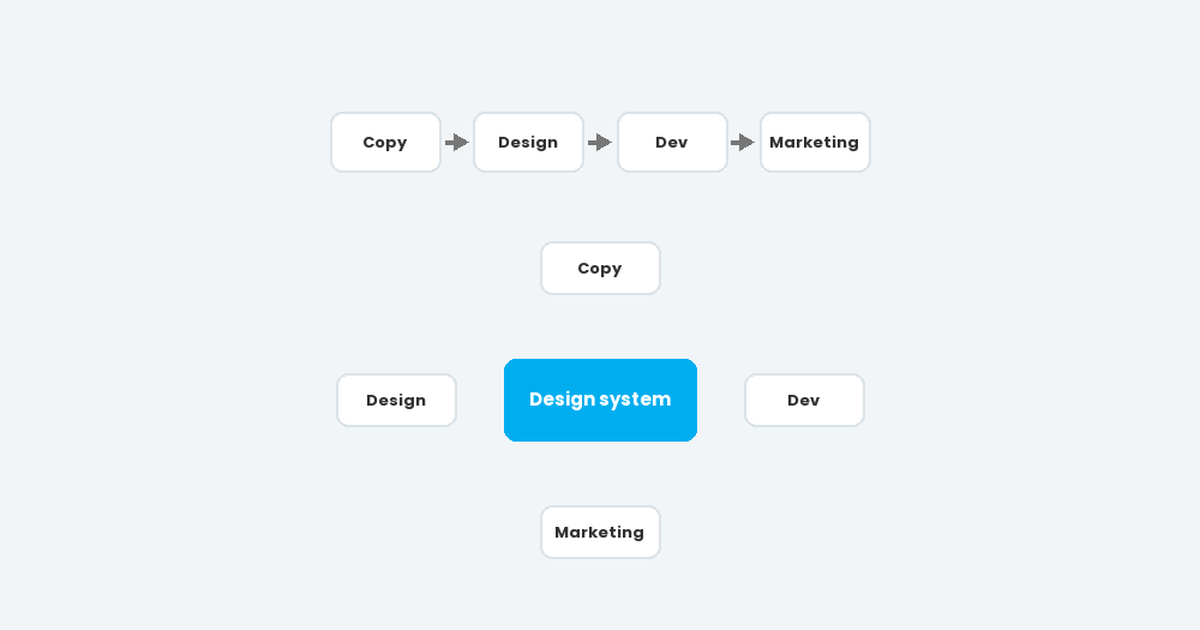
Read article →Linear workflows and copy-and-paste code make email slow, inconsistent and error-prone. Here's how an email design system fixes production for growing teams.
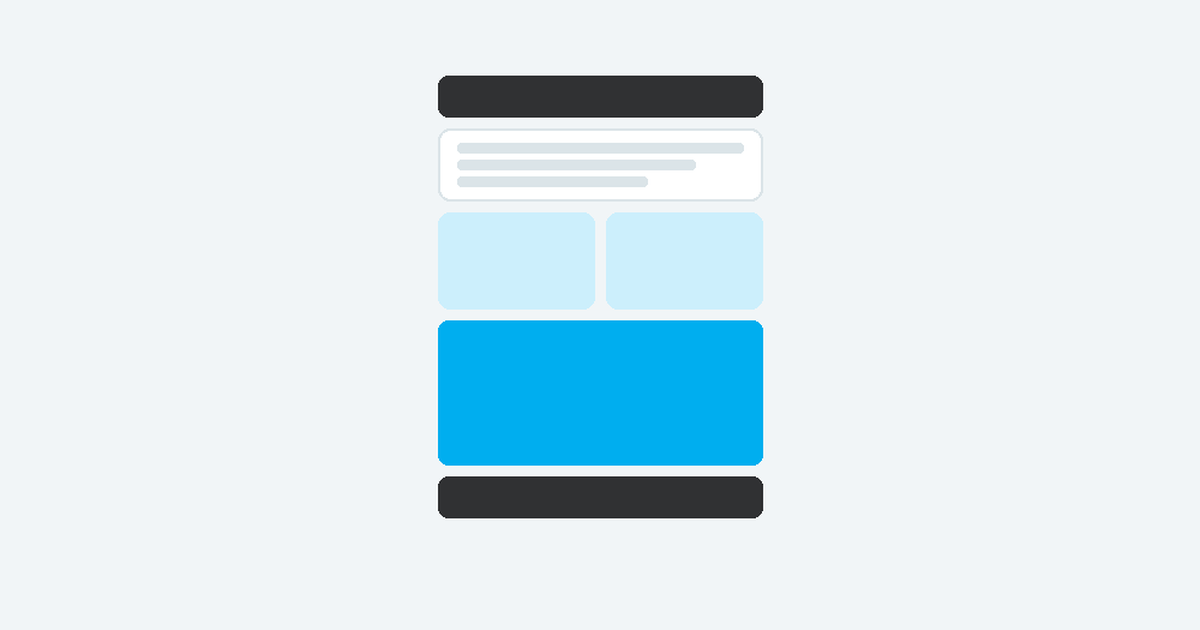
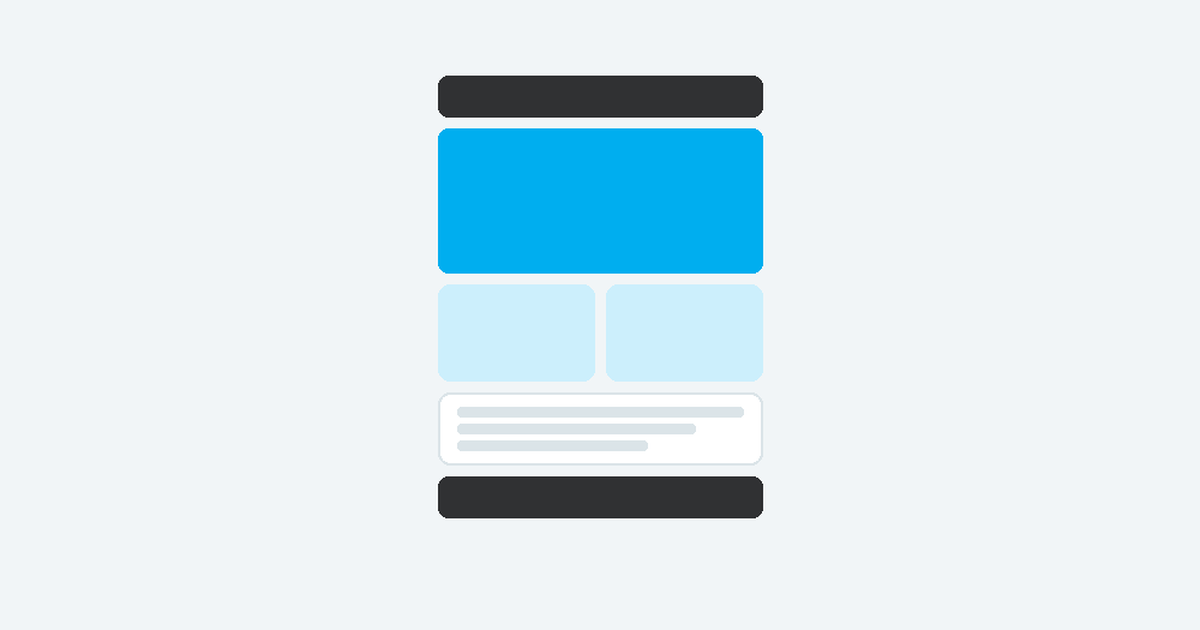
Read article →How components combine into flexible modules, and modules into any email. The building blocks of an email design system and why a few dozen modules are enough.
Read article →An email design system is a library of pre-built, on-brand email modules. Learn how it differs from a style guide and why it speeds up email production.
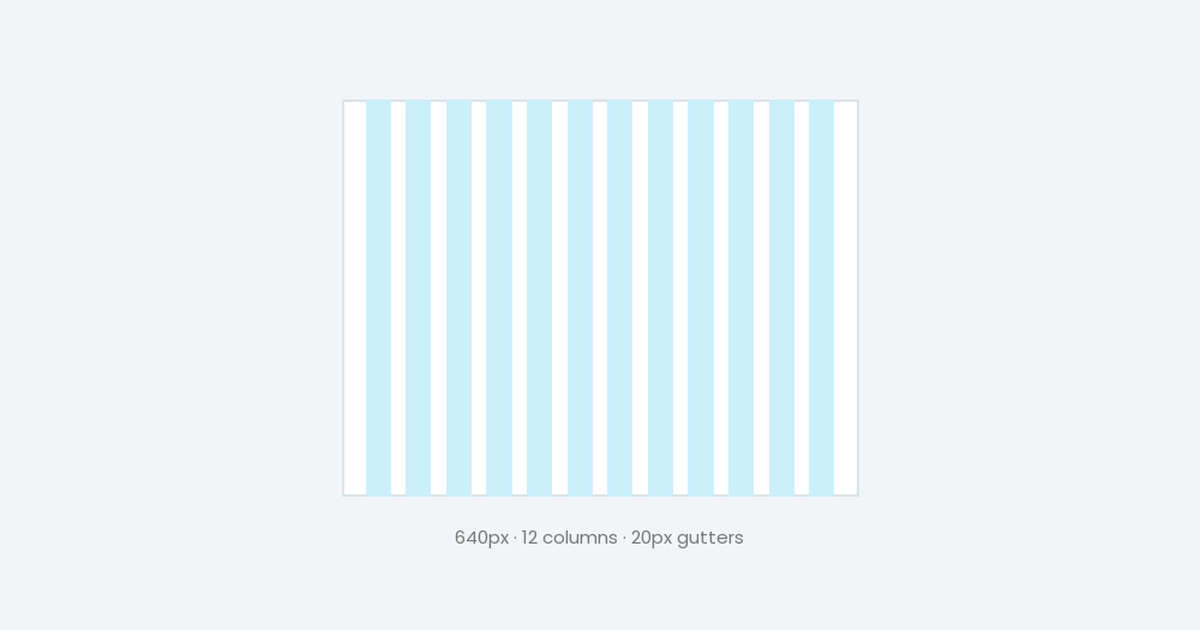
Read article →A 12-column, 640px email grid with a 6-column mobile grid. Column widths, @2x image sizes and the simple formula behind every layout.
Read article →What we are building, the basics of interactive email, the plan, and the HTML foundations with a fallback.
Read article →The first three steps to interactivity: radio button inputs, clickable labels, and the character layers they control.
Read article →Step four: the CSS that connects the controls to the character, using the sibling selector to swap each layer.
Read article →Turning the builder into a game, handling email clients that don't support interactivity, and wrapping up.
Read article →